






Quick Tutorial
➤ Open the link from the email and go to File > Make a Copy When running for the first time you’ll need to accept the Google Sheets permissions:
➤ Go to the ‘On-Page SEO‘ tab and click on  SEO Audit in the top menu
➤ Click on  1. Extract URLs from Sitemap
➤ Click ‘OK‘ ➤ click on your Gmail account from the list ➤ click on the ‘Advanced‘ text ➤ click the small text on the left ‘Go to SEO Audit project (unsafe)‘
➤ Check the ‘Select All‘ box and then click the ‘Continue‘ button at the bottom right.
➤ Enter the domain name to start extracting pages from the sitemap (wait for the process to finish)
➤ Go back to Menu SEO Audit ->  2. Extract data from pages (this step may take longer to complete)
➤ Continue with step 3 and step 4: SEO Audit >  3. Generate SEO Reports and
  4. Generate SEO Tasks
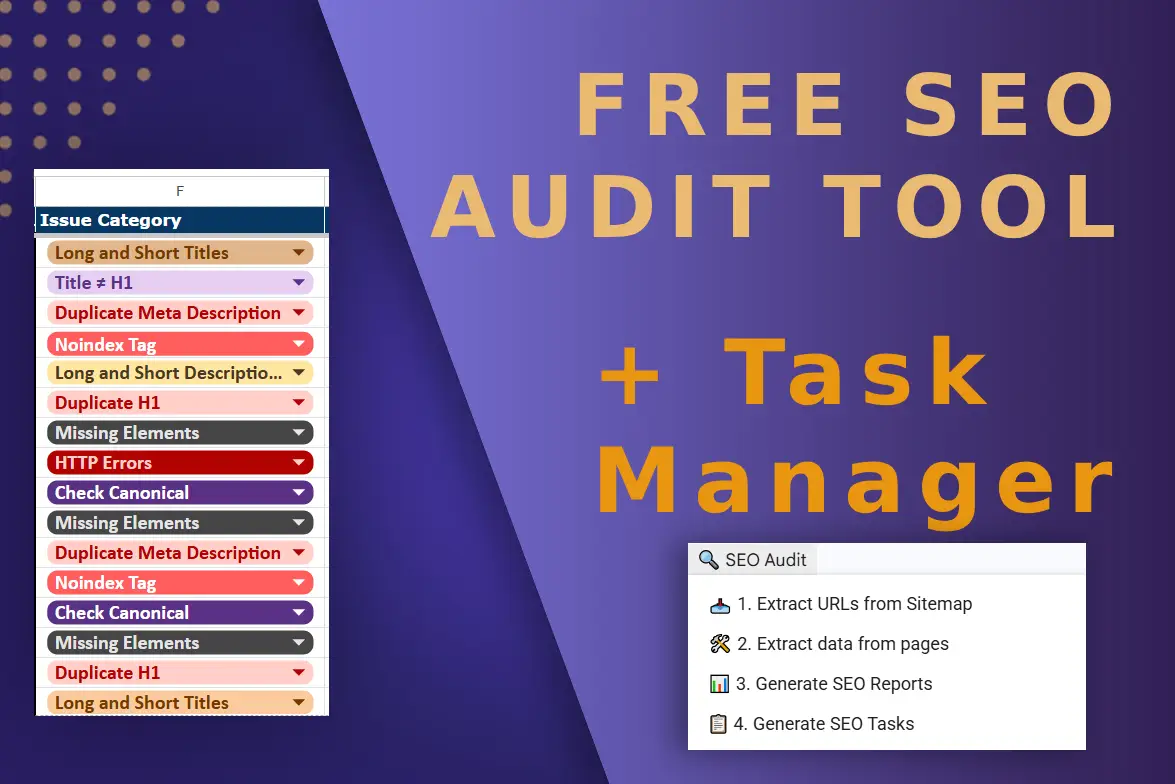
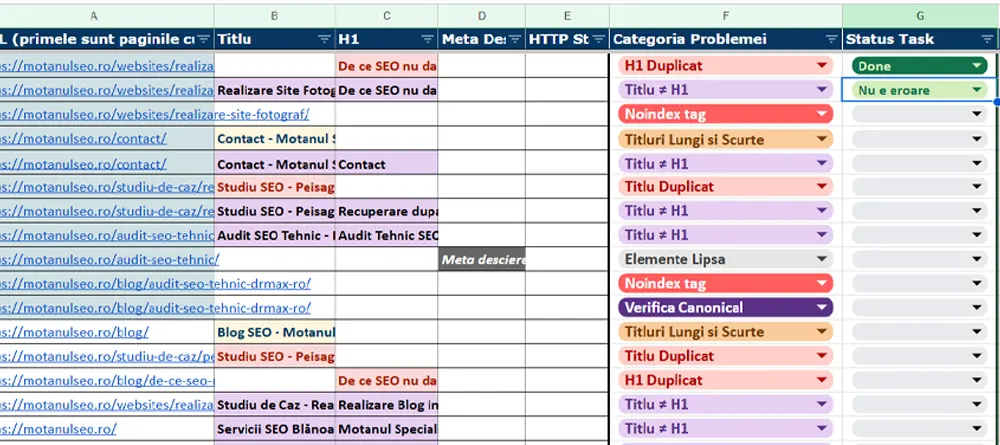
➤ Go to the ‘Task Management‘ tab to view the listed and categorized SEO issues
After the first run and accepting permissions, there are just 4 steps to follow:
1. Click on SEO Audit -> 1. Extract URLs from Sitemap + enter the domain for audit in the box
2. SEO Audit -> Extract data from pages
3. SEO Audit > Generate SEO Reports
4. SEO Audit > Generate SEO Tasks

My name is Andrei and in 2014 I made my first money online through websites and SEO. I currently offer SEO services for Romanian and English-language websites. Learn more about my SEO approach on my YouTube channel with SEO tutorials. For more SEO education, check my SEO blog or my SEO case studies.